
 Sign up
Js-Rendered Data
Dynamic pages and app views
Collect content rendered after JavaScript execution, API hydration, route changes, lazy loading or client-side filters.
Run Playwright, Puppeteer and browser automation jobs through stable proxy routes for public web data collection.
Headless browser scraping loads pages like a real browser: JavaScript, cookies, redirects, forms and dynamic content. Use proxies to assign sessions to browser contexts, collect regional page variants, distribute parallel jobs and keep browser-based scraping from depending on one IP address.
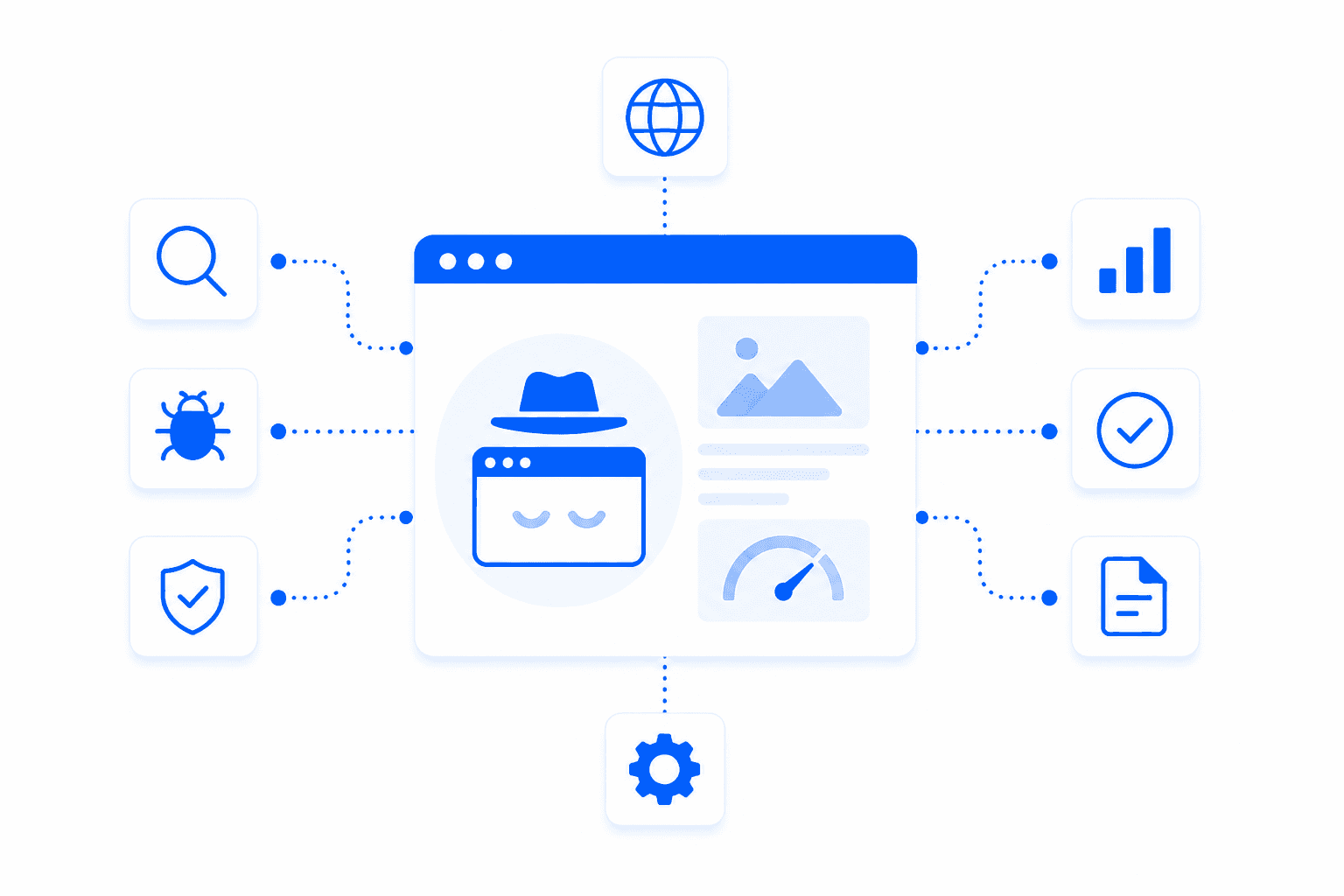
Headless browser scraping uses automated browsers such as Playwright, Puppeteer or Selenium to load public pages, execute JavaScript and extract rendered content. It is useful when data appears after client-side rendering, interaction, scrolling or multi-step navigation. Proxies give each browser context a route, location and session behavior instead of pushing all browser traffic through one server IP.
Common public page types where browser automation and proxy sessions help extract rendered or interaction-dependent data.
Collect content rendered after JavaScript execution, API hydration, route changes, lazy loading or client-side filters.
Extract public data from pages that require clicks, search inputs, dropdowns, infinite scroll or pagination.
Preserve browser state for public flows that depend on cookies, filters, redirects or previous navigation steps.
Capture region-specific prices, content, language variants and browser views from selected countries or cities.
Browser automation creates heavier, longer sessions than simple HTTP scraping. Without proxies, every page load, asset request and browser context comes from one IP. Proxies let teams isolate browser sessions, rotate IPs between jobs, keep sticky routes for multi-step flows and collect localized rendered pages while running parallel browsers.
Assign sticky or rotating proxy sessions to Playwright, Puppeteer, Selenium or custom browser contexts.
Run multiple browser workers without sending every page load and asset request through one IP.
Load public pages from specific countries to capture localized content, prices, language and redirects.
Reduce repeated hits from one server address when headless jobs revisit the same dynamic sources.
URLs, actions, selectors, screenshots, page states and scheduled automation tasks
Sticky IPs, rotation rules, geo targeting and per-context proxy assignment
Extracted fields, screenshots, DOM snapshots and normalized records
Choose proxy type by source sensitivity, session length, browser concurrency and whether pages vary by region.
Residential proxies are the best default for headless browser scraping because browser sessions often look more realistic with diverse, location-aware IPs. They work well for Playwright, Puppeteer or Selenium jobs that load dynamic pages, preserve cookies or collect localized rendered content.
Use residential proxies when headless jobs hit rate limits, need geo-specific views or run across many public websites. They help balance session stability, IP reputation and browser-worker distribution for JavaScript-heavy scraping workflows.
Use datacenter proxies for fast browser jobs on tolerant public sites, internal QA or low-sensitivity scraping.
Best forUse static ISP proxies when browser automation needs long sessions, stable identity or repeated checks from one IP.
Best forUse mobile proxies for mobile-rendered pages, app-adjacent flows, social platforms and carrier-specific views.
Best forThe best proxies for web scraping are usually rotating residential proxies because they provide access to real residential IP addresses and help reduce blocks, rate limits, and IP-based restrictions. For large-scale data collection, residential proxies are useful when websites apply anti-bot checks, geo restrictions, or aggressive request limits. Datacenter proxies can also work for simpler websites with lower protection.
You need proxies for web scraping because many websites limit how many requests can come from the same IP address. Without proxies, your scraper can quickly get blocked, throttled, or shown incorrect content. A proxy network lets you distribute requests across multiple IPs, scrape from different locations, and collect public web data more reliably.
Yes. Rotating residential proxies are one of the strongest options for web scraping because each request or session can use a different residential IP. This helps scrapers avoid repeated requests from one address, reduces ban risk, and improves access to websites that treat datacenter traffic more strictly. They are especially useful for e-commerce, SERP, travel, real estate, and market research scraping.
Residential proxies use IP addresses associated with real internet service providers, while datacenter proxies come from hosting providers and cloud infrastructure. For web scraping, residential proxies usually perform better on protected websites because they look more like normal user traffic. Datacenter proxies are faster and cheaper, but they are easier for anti-bot systems to detect and block.
Proxies help avoid IP bans by spreading scraping requests across many IP addresses instead of sending all traffic from one source. With rotating proxies, your scraper can change IPs automatically after each request, after a set time, or when a session ends. This reduces repeated patterns and helps maintain stable access during large-scale data collection.
Yes. With geo-targeted proxies, you can scrape websites from specific countries, regions, or cities. This is important when websites show different prices, search results, availability, ads, or localized content based on user location. Geo-targeted web scraping proxies are commonly used for price monitoring, SEO tracking, travel data, marketplace research, and regional content checks.
For most scraping tasks, the best setup is rotating residential proxies with sticky sessions when needed. Fast rotation works well for crawling many pages, while sticky sessions are better when a website requires cookies, login state, cart behavior, or multi-step navigation. The right proxy settings depend on the target website, request volume, session logic, and anti-bot protection level.
Yes. Proxies are widely used for e-commerce scraping, price monitoring, stock tracking, and marketplace data collection. Many online stores show different prices, delivery options, or product availability depending on location. Using residential proxies with country or city targeting helps collect more accurate pricing data and reduces the risk of blocks during repeated product page scraping.
No proxy provider can guarantee that every scraper will work on every website. Blocking depends not only on the proxy IP, but also on request behavior, headers, browser fingerprint, cookies, scraping speed, JavaScript execution, and the target website’s anti-bot system. Proxies are a critical part of a scraping setup, but they should be combined with clean scraper logic and realistic traffic patterns.
For large-scale data collection, start with rotating residential proxies if the target websites are protected, geo-restricted, or sensitive to repeated requests. Use datacenter proxies for simple, high-speed scraping where anti-bot protection is weak. For browser automation or login-based scraping, use sticky sessions so the same IP can stay active during the full workflow.
Start with Residential proxies for JavaScript-heavy public pages, choose Static ISP for long browser sessions, or use Datacenter proxies for tolerant automated browser tests.