
 Sign up
Wrong geo
Target country sees the wrong page, offer or block.
Test ads, redirects, landing pages and tracking flows from the locations, devices and network environments your audience actually uses.
Use it when geo, device, redirect and landing-page behavior must match the audience.
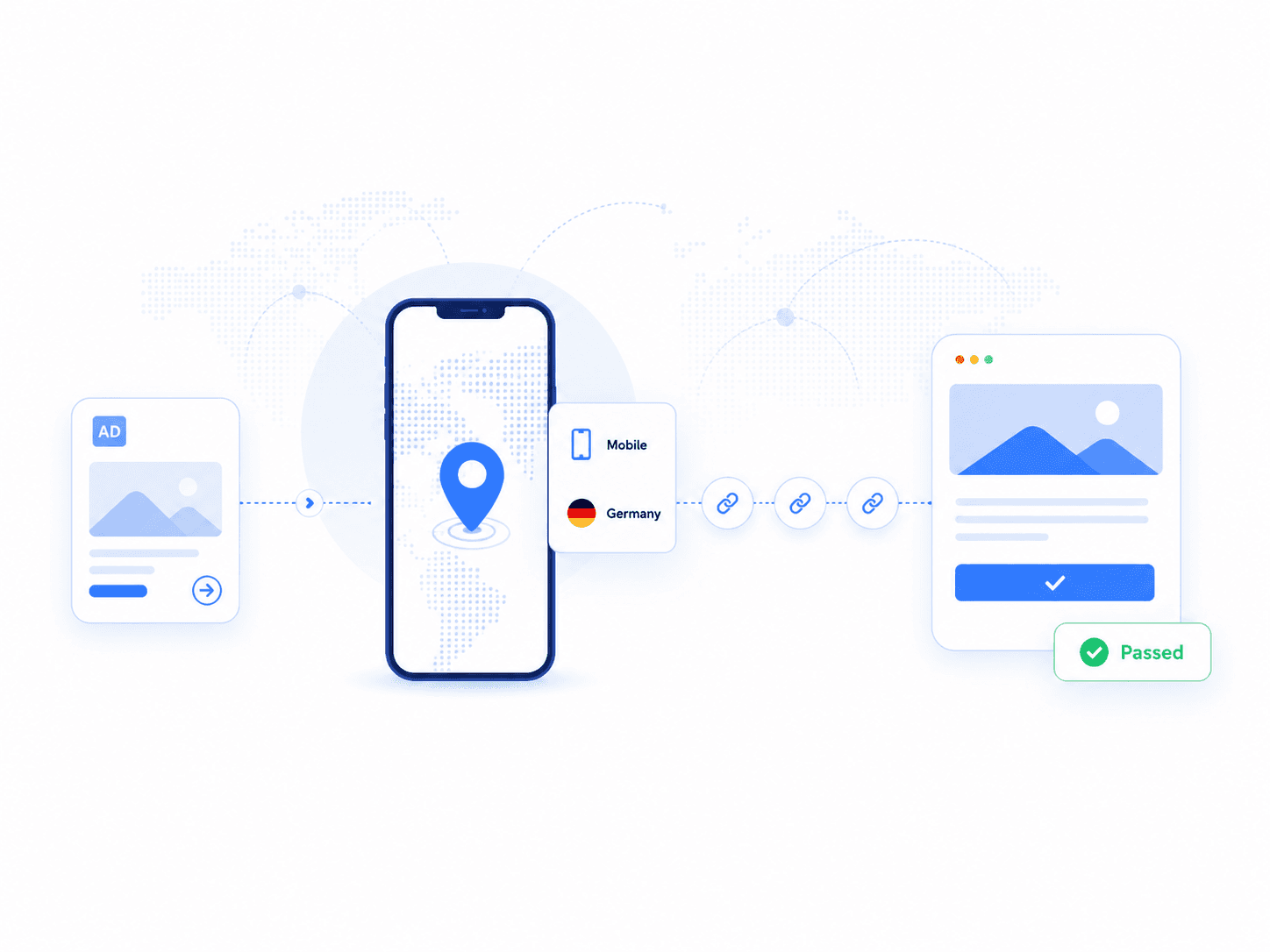
The page opens with problems performance teams recognize immediately: wrong geo, broken redirects, tracking loss, compliance mismatch and suspicious placements.
Target country sees the wrong page, offer or block.
One intermediate domain breaks the journey.
Click leads to wrong product, language, currency or form.
Desktop works, mobile layout, CTA or form fails.
UTM, click ID, affiliate ID or pixel disappears.
Offer should be hidden, replaced or restricted by market.
Ad appears in the wrong place, format or audience context.
Check questionable sources, placements or traffic behavior.
The section separates delivery checks, journey QA and evidence-driven investigation so the page feels expert and responsible.
Checks whether ads are displayed correctly: location, context, format, device, placement and audience environment.
Checks the full campaign journey: creative, click URL, redirect chain, tracking parameters, landing page, forms and analytics events.
Investigates suspicious placements, traffic sources, redirects and page behavior, but requires analytics, rules and evidence collection.
A real campaign QA tool follows the full path: campaign link, test environment, proxy route, redirect inspection, landing validation, tracking checks and evidence.
Ad, affiliate link or paid URL
Country, city, mobile or desktop
Geo point and IP type
Domains, params and statuses
Offer, language, currency and CTA
UTM, pixel, click ID and events
Screenshot, timestamp, IP and logs
The same campaign link or ad can produce a different user journey depending on country, city, language, currency, device, browser, referrer, affiliate rules, cookies, time of day, audience segment and compliance restrictions.
https://campaign.link/offerLiveValidated with screenshot, redirect logs and final URL check.
Validated with screenshot, redirect logs and final URL check.
Validated with screenshot, redirect logs and final URL check.
Validated with screenshot, redirect logs and final URL check.
A click is not one step. It passes through impression, URL, tracking, affiliate network, geo routing, landing page and analytics evidence.
Each card maps a marketing QA task to the proxy setup a performance team can actually choose.
Check whether ads appear in the right location, context, format and device.
Verify offers, landing pages and redirects from specific countries or cities.
Test tracking links, redirect chains, final URLs and offer availability.
Check forms, language, currency, page speed, tags and campaign content.
Continuously monitor live campaigns for broken links and regional issues.
Track visible ads, offers, creatives and landing pages across channels.
Check paid search ads, keyword-triggered ads and regional visibility.
Check mobile previews, localized landing pages and social links.
Performance teams need to verify every hop: click URL, tracker, affiliate network, geo-router and final landing page. Proxies make that inspection location-aware and session-aware.
preservedpreservedDEMobilecorrectcapturedhttps://campaign.link/offertracker.example/click?id=abcaffiliate-network/routegeo-router/de/mobilefinal-landing-page/de/offerFinal URL correct. EUR landing page loaded. Tracking pixel fired. Screenshot captured.
Campaign QA is stronger when every check creates proof: screenshot, timestamp, IP location, response logs, redirect chain, final URL and tracking status. That is the difference between "it worked for me" and a QA artifact a marketing team can act on.
A diagnostic table makes the page feel operational: every failure has a meaning and a network-layer way to verify it.
| Problem | What it means | Proxy helps with |
|---|---|---|
| Geo mismatch | Wrong country or city result | Test from target location |
| Broken redirects | Chain fails before final page | Inspect journey from multiple regions |
| Wrong landing page | Wrong offer, language or currency | Validate final page by geo |
| Tracking loss | Click ID or UTM disappears | Follow full redirect path |
| Device mismatch | Mobile and desktop differ | Test mobile and desktop separately |
| Compliance block | Region gets restricted page | Verify country-specific behavior |
| Session break | Flow resets mid-journey | Use sticky or static sessions |
| Single office IP bias | Only one location tested | Distribute checks |
Ad verification brings campaign checks closer to the real audience context: market, device, network, redirect path, landing page and evidence.
Confirm that paid placements, creatives and destination URLs render correctly in each target market.
PLACEMENT QAValidate partner links, offer routing and conversion paths without relying on office-network previews.
LINK QACheck language, currency, consent, app banners and market-specific landing-page behavior.
GEO QACapture proof that regulated creatives, disclosures and redirects appear as approved.
EVIDENCEA campaign is not just a creative. The final experience depends on IP location, device class, carrier or ISP, redirect logic, consent state, frequency rules and the page that finally loads.
Country, region, city and local market routing
Desktop, mobile, browser and user-agent
Residential, mobile carrier or datacenter context
Tracking hops, affiliate chains and final URL
Ad copy, asset, placement and offer variant
Screenshots, timestamps and route metadata
Run the campaign as a target user would: choose the market, match the device and network, follow the redirect chain, load the landing page and save evidence.
Market
Profile
Ad
Redirects
Evidence
Start with the country, region or city where the campaign is supposed to be visible.
Route
DE / BerlinSession
FreshGood verification makes the result reviewable. Save the visual state, route details and environment that produced it.
IP country, city, ISP or carrier context used for the check.
Browser, viewport, mobile or desktop profile and locale.
Entry URL, tracking hops, final URL and preserved parameters.
When the campaign was checked and what variant was returned.
Screenshot of the ad, disclosure, placement and landing page.
Clear QA status for media, growth, partner and compliance teams.
Ad verification proxies are proxies used to check how ads, landing pages, creatives, and campaigns appear from different countries, regions, devices, and networks. They help advertisers verify public ad placements, detect regional mismatches, test funnels, and review campaign delivery. Geo-targeted proxies are especially useful for checking localized ad experiences.
Advertisers use proxies for ad verification because ads can change based on location, IP type, language, device, and audience segment. A proxy lets QA teams view campaigns from target regions instead of relying only on their office IP address. This helps confirm that ads, offers, and landing pages are shown correctly in each market.
Yes. Geo-targeted proxies can help verify ads in specific countries, regions, or cities. This is important for campaigns that use local pricing, localized copy, city-level targeting, or country-specific landing pages. By testing with regional proxies, teams can see whether their ads match the intended market.
Residential proxies are usually best for ad verification because they look closer to normal consumer traffic and support accurate geo testing. Datacenter proxies can work for basic landing page QA, but they may not represent real consumer access as well. For sensitive ad checks, rotating or sticky residential proxies are usually a better choice.
Yes. Proxies can help check landing pages, redirects, forms, pricing, currency, compliance text, and localized content from different countries. This is useful for performance marketing teams, affiliate managers, agencies, and brand protection teams. Geo-targeted testing helps catch regional errors before they affect campaign performance.
Proxies help creative QA by letting teams view ads and landing pages from the same regions targeted by the campaign. This can reveal wrong language, broken images, incorrect offers, missing tracking parameters, or unexpected redirects. It also helps compare how creatives appear across markets and networks.
Yes. Proxies can support affiliate ad monitoring by allowing teams to check public landing pages, redirect paths, offer pages, and regional campaign behavior. This helps detect broken flows, unauthorized creatives, incorrect geo routing, or offer mismatches. The checks should be done within legal and platform rules.
Ad verification focuses on checking whether ads, creatives, placements, landing pages, and targeting work as expected. Ad fraud detection focuses on identifying invalid traffic, fake clicks, bot activity, and suspicious campaign behavior. Proxies can support verification workflows, but fraud detection also requires analytics, traffic data, and specialized measurement tools.
Yes. Proxies can help test how ads and landing pages appear on mobile and desktop when combined with the right browser, device profile, or QA environment. IP location affects what content is shown, while device settings affect layout and creative rendering. For accurate ad QA, both location and device context should be tested.
No. Proxies do not guarantee that every ad will appear because ad delivery depends on auctions, budgets, audience targeting, frequency caps, cookies, device signals, and platform algorithms. Proxies help test location and access conditions, but they are not a complete replacement for campaign reporting or ad platform diagnostics.
Use real network context to check ads, redirects and landing pages before your audience does.
Start campaign QA