
 Sign up
GAMING PORTAL
- Price
- Language
- Redirect
Consumer proxy workflows go beyond games and streaming. They cover regional content checks, online communities, app-like pages, stable sessions and lightweight browser automation.
Country, network type, latency, IP reputation and device context can all change how a platform behaves. Proxies provide the network layer for testing and troubleshooting those differences responsibly.
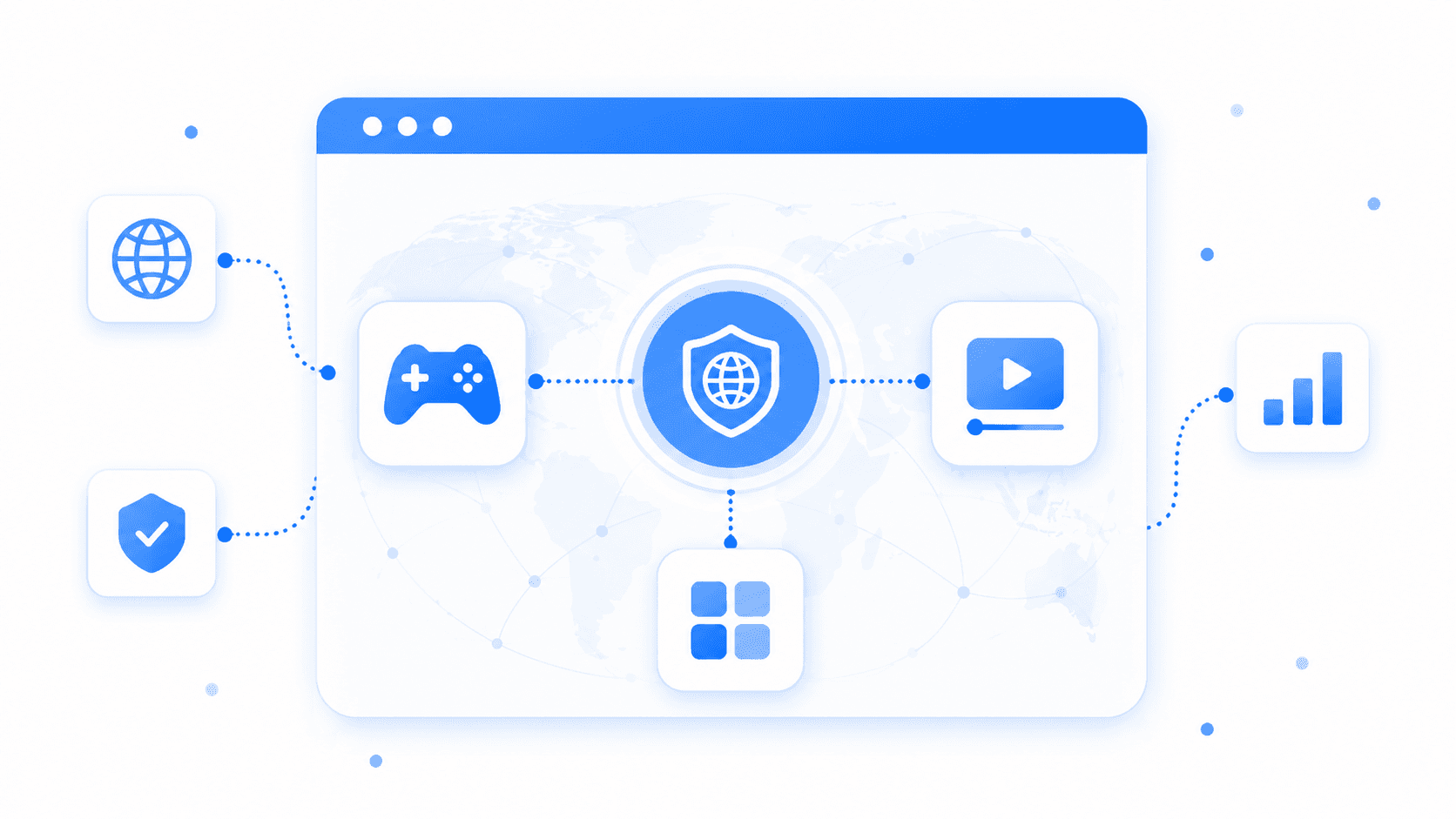
The same public platform can behave differently by country, network and device. Proxies are the network layer that makes those variables testable - not a magic button.
different context -> different resultGAME-RELATED ROUTING
Check game websites, launchers, account portals, community pages, regional stores, latency and routing for approved gaming-related tools.
MEDIA AVAILABILITY
Compare public catalog pages, subtitles, media landing pages, player behavior and country-specific availability messages.
CUSTOM CONSUMER
Support online communities, creator tools, mobile-first pages, custom scripts, stable sessions and regional content testing.
Define the public experience you need to check, choose a suitable proxy route, align location, device and session settings, then verify the connection before the workflow runs. Capture results and troubleshoot configuration differences with evidence.
Goal
Proxy type
Location & session
Browser / app setup
Connection check
Run workflow
Troubleshoot
Define the public experience you need to check before choosing any route: platform, market, device context and the result that matters.
Platform
Streaming catalogTarget market
United KingdomCheck
Catalog & subtitlesFrom gamers and media users to community managers, hobby developers and support teams, consumer workflows are smaller in scale but diverse in network needs.
Check game-related sites, regional stores, community pages, routing and latency for approved tools.
GAMING ROUTESCompare public catalog pages, subtitles, media previews and availability messages by country.
MEDIA CHECKSSeparate forums, moderation tools, public pages and regional community checks.
COMMUNITY WORKFLOWSReview how public content, links and media previews appear across countries and devices.
REGIONAL PREVIEWSTest lightweight scripts, browser automation, APIs and personal tools from different regions.
CUSTOM SCRIPTSValidate mobile-first pages, onboarding, redirects and app-like web experiences.
MOBILE QAUse rotating or stable routes for custom tools, fixed-IP dashboards and regional checks.
FIXED-IP TOOLSReproduce reported issues from different countries, networks and device contexts.
REGIONAL SUPPORTMeasures assortment, demand, regional differences and category trends.
MARKET ANALYSISAutomates repeated checks for products, stores and internal workflows.
WORKFLOW AUTOMATIONResponse time and route quality.
Retries, timeouts and drops.
Detected market matches target.
Same IP remains consistent.
Page, catalog or community is reachable.
A game portal, streaming page, community site or app-like flow can change by country, network type, language, device, cookies and platform rules. One connection shows only one version of the public experience.
SAME PUBLIC URL: 3 MARKET VIEWS
US · English · stable session
UK · English · mobile route
JP · Japanese · residential
For reliable consumer testing, match the country, device and session context that matter to the workflow.
Country, IP type, ASN
Mobile, desktop, locale
Cookies and session history
Latency and stability
Account and licensing messages
CDN, redirects, edge location
Proxies do not replace apps, browsers, accounts, subscriptions or platform rules. They provide the network layer: which IP connects, from which country, through which network type and with what session behavior.
Choose a legitimate goal such as regional content checks, media availability testing, community management, routing diagnostics or custom browser automation.
Select IP type, country, protocol and session mode so the public platform sees the intended network context.
Requests reach public gaming, media, community and app-like pages that the workflow needs to check.
These scenarios share one principle: choose the route for the public platform, device context and session behavior the task actually needs. The best type is different for a fast public check and for a longer, stateful workflow.
Check public game portals, launchers, server pages and regional availability notices from the markets that matter.
Compare public catalog pages, subtitles, media landing pages and country-specific availability messaging.
Validate redirects, language, offers and public notices as the platform presents them in each target country.
Review public forums, profile pages and moderation tools while keeping each regional check clearly separated.
Check public creator profiles, media previews and app-like entertainment pages across supported regions.
Run screenshots, public-page QA and repeatable monitoring with the browser context your workflow needs.
Keep a stable IP for browser flows, dashboards and public account areas that need continuity over time.
Connect tools, dashboards and whitelisted services through predictable, repeatable connection routes.
Compare public mobile layouts, app-like flows and country-aware consumer experiences with mobile routing.
Verify compatible public sites and technical flows where IPv6 support is part of the expected experience.
Some consumer tasks are mostly about a fast public page check. Others need a stable network identity across a longer browser or app-like session. The setup should reflect that distinction.
For gaming-related websites, public entertainment pages, dashboards and lightweight custom scripts where speed and cost matter.
For online communities, browser profiles, repeated regional checks and workflows that need the same IP over time.
Choose Residential for regional content checks, Static ISP for stable sessions, Mobile for mobile-first experiences and Datacenter for fast public checks and custom tools.
Fast and cost-effective routes for gaming-related websites, public page checks, dashboards and custom scripts.
Best forFlexible location-aware access for regional content, streaming availability pages and consumer web workflows.
Best forStable IPs for browser profiles, account-based sessions, community tools and repeated regional checks.
Best forMobile network context for app-like flows, mobile media pages and regional mobile QA.
Best forMost issues come from a mismatch between the target, location, connection type, session needs or browser configuration - not from the proxy alone.
A distant or overloaded route can introduce lag, buffering or unstable performance, especially on media-heavy pages and game-related tools.
Rotating routes can break long sessions, while mobile routes may be unnecessary for simple public page checks. Match the route to the workflow.
A platform can detect another country and return the wrong language, catalog, availability message or final redirect.
Changing IPs too often can reset a multi-step browser or app-like workflow and create inconsistent results.
Some browsers, launchers and tools require a specific HTTP or SOCKS5 configuration to work correctly.
A browser or app can expose network information outside the proxy path, creating an inconsistent country or connection signal.
Geo access and localization testing should be used responsibly. Follow applicable laws, website terms, privacy requirements and platform policies.
Use them for regional testing, connection routing, public content checks, troubleshooting, account security, QA and custom workflows that follow the applicable laws and platform policies.
Avoid cheating, spam, fake engagement, credential misuse, unauthorized automation, ban evasion, bypassing paid access or actions that violate content licensing and service terms.
Gaming proxies are used for network routing tests, regional access checks, latency comparison, QA testing, and checking how game services behave from different locations. They can help teams test login flows, regional servers, store pages, matchmaking regions, and public service availability. The result depends heavily on proxy quality, location, and the game platform's rules.
Streaming proxies are used for localization testing, content availability checks, regional QA, ad verification, and testing how streaming platforms behave in different countries. They help teams verify subtitles, catalogs, landing pages, pricing, and regional restrictions. They should be used according to the terms of the streaming platform.
The best proxies for gaming are usually low-latency static or datacenter proxies when the goal is stable routing and speed. Residential proxies can be useful for regional testing, but they may not always provide the lowest ping. For actual gameplay, latency, packet loss, routing, and server distance matter more than just IP type.
Sometimes, but not always. A proxy can improve routing if the original route from your ISP to the game server is poor, but it can also increase latency if the proxy adds extra distance or congestion. For gaming, you should test ping, packet loss, jitter, and stability instead of assuming any proxy will reduce lag.
Residential proxies can be useful for gaming-related regional checks, store localization, account access consistency, and QA testing. They are not always ideal for real-time gameplay because residential routing can be less predictable than optimized datacenter infrastructure. For competitive gaming, stable low-latency proxies are usually more important.
Yes. Geo-targeted proxies can help check game store pages, regional prices, currency, payment page behavior, language, and content availability from different countries. This is useful for QA teams, publishers, localization teams, and market research. Regional results can vary by platform rules, account region, cookies, and payment settings.
Yes. Proxies can help test how streaming websites and apps display regional catalogs, subtitles, ads, pricing, landing pages, and availability messages. Geo-targeted testing is useful for media companies, QA teams, and localization specialists. However, streaming platforms may use multiple signals beyond IP location.
For streaming QA, residential proxies are often better for realistic regional access and content checks. Datacenter proxies can work for basic page testing but may be detected or limited by some streaming services. The right setup depends on whether the task is catalog verification, ad testing, app QA, or network performance testing.
No. Proxies do not guarantee access to every gaming or streaming service. These platforms may check IP reputation, account region, payment method, device fingerprint, DNS, GPS, cookies, and platform policy rules. Proxies help with network location testing, but they cannot override every service-side restriction.
Before using proxies for gaming or streaming, check latency, packet loss, jitter, IP location, platform rules, account region, and whether the proxy supports the required protocol. For streaming QA, also check catalog accuracy, language, redirects, and playback behavior. For gaming, prioritize stable routing and low ping over the largest proxy pool.
Use Residential proxies for regional content and streaming checks, Residential Pro for stricter platforms, Datacenter for fast gaming-related and custom workflows, Mobile for mobile-first apps, Static ISP for long sessions and Static Datacenter for fixed-IP tools.
Choose proxies