
 Sign up
Storefronts
Regional game pages and offers
Check localized titles, prices, availability, promotions, release pages, and storefront content by country.
Test gaming experiences, regional storefronts, and public community signals from target markets.
Gaming teams, researchers, and consumer app operators use proxies to validate regional pages, check localized storefronts, monitor public marketplace data, test web flows, and understand community trends. Proxies provide controlled locations and session separation for legitimate QA and public data workflows around gaming platforms.
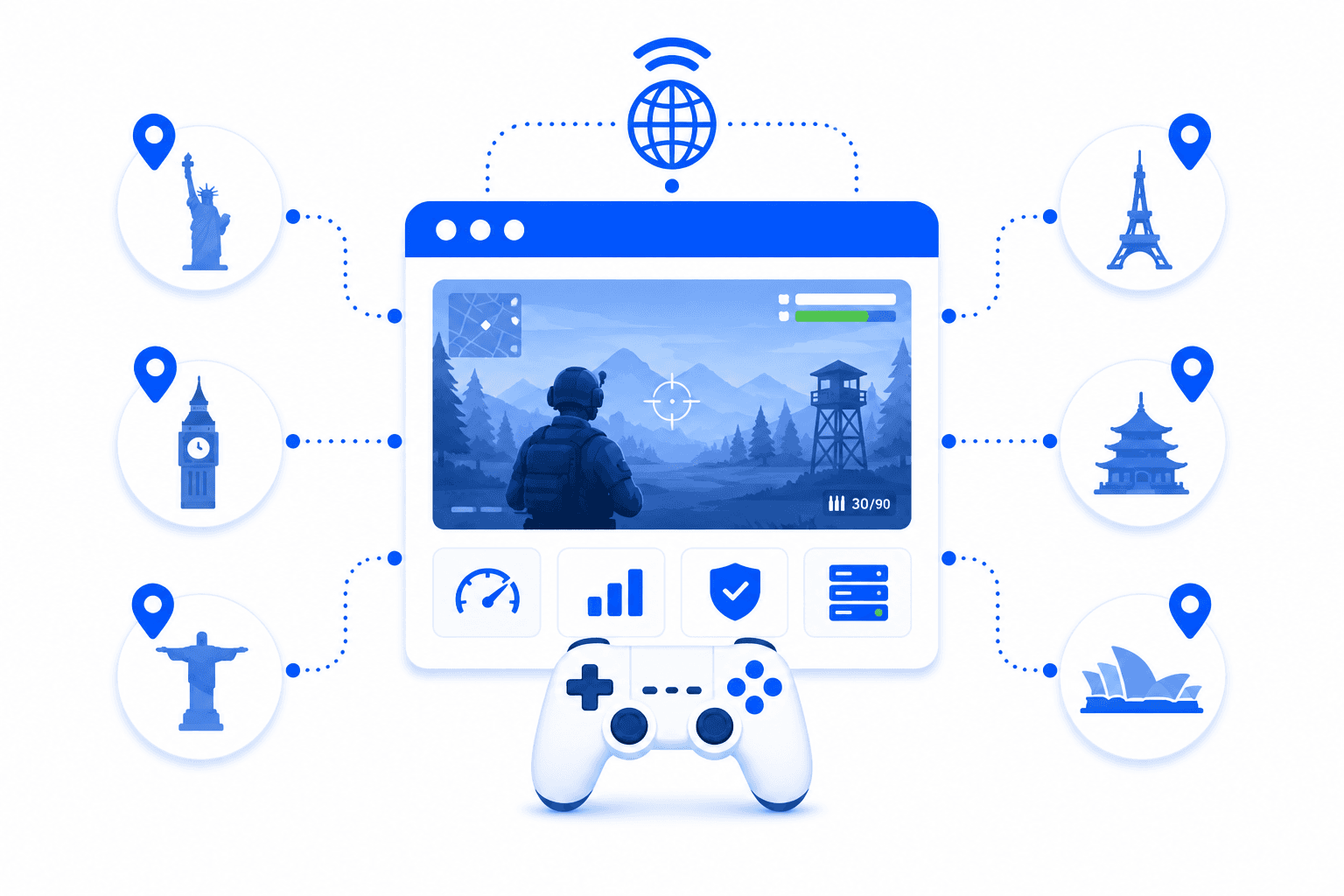
Proxies for gaming workflows route browser, API, or automation traffic through selected IP locations to support product testing, regional QA, storefront validation, public marketplace monitoring, and community research. Instead of testing only from one office or cloud server, teams can inspect how gaming pages, offers, app landing pages, support flows, and public content appear across different markets.
Gaming-related proxy workflows usually focus on market visibility, localization, and public platform behavior.
Check localized titles, prices, availability, promotions, release pages, and storefront content by country.
Test signup pages, support flows, landing pages, account portals, and campaign links from target regions.
Monitor public posts, rankings, reviews, discussions, sentiment, and creator activity around games.
Collect public marketplace listings, category positions, discounts, and competitor game visibility signals.
Proxies help gaming and consumer app teams reproduce regional web behavior, separate test sessions, and collect public signals from multiple markets. They are especially useful for browser-based QA, localization checks, marketplace monitoring, and automated reporting where location affects what pages display.
View public gaming pages, offers, and support flows from selected countries or cities.
Assign different proxy sessions to QA accounts, test markets, automation workers, or research tasks.
Verify language, pricing, promotions, age gates, notices, and market-specific page behavior.
Collect public marketplace, community, review, and trend data for gaming research workflows.
Define gaming markets, pages, and public sources.
Choose residential, mobile, datacenter, or static IP proxies.
Run QA checks, browser sessions, or public data collection tasks.
Compare localized outputs and route insights to product, QA, or research teams.
Gaming workflows usually need realistic regional views and stable browser sessions.
Residential proxies are the best default for gaming QA and research because they provide realistic local IPs for checking public pages, storefronts, localized content, and market-specific behavior.
Useful for mobile games, app landing pages, mobile web flows, and consumer apps that treat cellular traffic differently.
Best forGood for fast QA checks, public page monitoring, and high-volume research sources that accept datacenter traffic.
Best forBest for allowlisted QA environments, persistent test accounts, and stable game-related web workflows.
Best forGaming proxies are used for network routing tests, regional access checks, latency comparison, QA testing, and checking how game services behave from different locations. They can help teams test login flows, regional servers, store pages, matchmaking regions, and public service availability. The result depends heavily on proxy quality, location, and the game platform's rules.
Streaming proxies are used for localization testing, content availability checks, regional QA, ad verification, and testing how streaming platforms behave in different countries. They help teams verify subtitles, catalogs, landing pages, pricing, and regional restrictions. They should be used according to the terms of the streaming platform.
The best proxies for gaming are usually low-latency static or datacenter proxies when the goal is stable routing and speed. Residential proxies can be useful for regional testing, but they may not always provide the lowest ping. For actual gameplay, latency, packet loss, routing, and server distance matter more than just IP type.
Sometimes, but not always. A proxy can improve routing if the original route from your ISP to the game server is poor, but it can also increase latency if the proxy adds extra distance or congestion. For gaming, you should test ping, packet loss, jitter, and stability instead of assuming any proxy will reduce lag.
Residential proxies can be useful for gaming-related regional checks, store localization, account access consistency, and QA testing. They are not always ideal for real-time gameplay because residential routing can be less predictable than optimized datacenter infrastructure. For competitive gaming, stable low-latency proxies are usually more important.
Yes. Geo-targeted proxies can help check game store pages, regional prices, currency, payment page behavior, language, and content availability from different countries. This is useful for QA teams, publishers, localization teams, and market research. Regional results can vary by platform rules, account region, cookies, and payment settings.
Yes. Proxies can help test how streaming websites and apps display regional catalogs, subtitles, ads, pricing, landing pages, and availability messages. Geo-targeted testing is useful for media companies, QA teams, and localization specialists. However, streaming platforms may use multiple signals beyond IP location.
For streaming QA, residential proxies are often better for realistic regional access and content checks. Datacenter proxies can work for basic page testing but may be detected or limited by some streaming services. The right setup depends on whether the task is catalog verification, ad testing, app QA, or network performance testing.
No. Proxies do not guarantee access to every gaming or streaming service. These platforms may check IP reputation, account region, payment method, device fingerprint, DNS, GPS, cookies, and platform policy rules. Proxies help with network location testing, but they cannot override every service-side restriction.
Before using proxies for gaming or streaming, check latency, packet loss, jitter, IP location, platform rules, account region, and whether the proxy supports the required protocol. For streaming QA, also check catalog accuracy, language, redirects, and playback behavior. For gaming, prioritize stable routing and low ping over the largest proxy pool.
Use Proxxxymiron proxies to validate regional gaming pages, public community signals, marketplace data, and localized consumer experiences.