
 Sign up
Wrong currency
A pricing page shows USD instead of EUR, GBP, BRL or the local currency expected in the market.
Test websites, apps, ads, prices and content from different countries with proxy infrastructure built for geo-targeting and localization QA.
Geo access and localization testing checks how digital products, search results, campaigns, catalogs and user journeys appear across countries, languages and network environments. A page that works from one office connection can still show another language, currency, catalog, legal notice, redirect or payment flow in a target market.
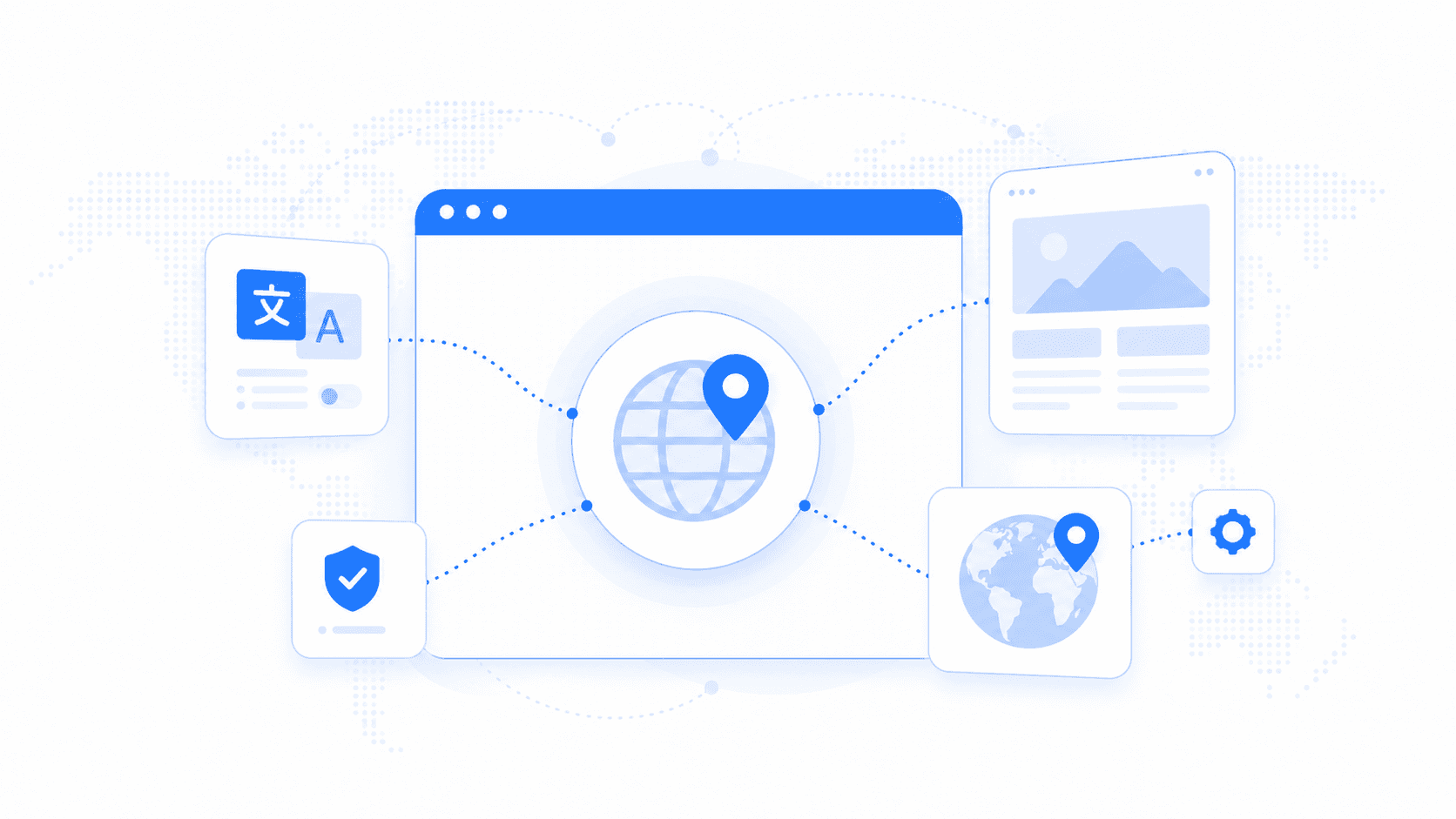
Many international bugs are invisible from a single local connection. A QA team may see the correct landing page while another market sees a wrong currency, missing payment method, broken translation, incorrect redirect, unavailable product, different SERP or missing legal notice. Browser locale matters, but it does not replace regional network testing.
A pricing page shows USD instead of EUR, GBP, BRL or the local currency expected in the market.
A campaign link sends users to the wrong country page, an unavailable destination or a redirect loop.
Local cards, wallets or bank methods do not appear in checkout for the intended country.
A localized page contains English strings, broken labels or copy that does not match the selected market.
Incorrect legal notice
SEO tracks rankings from the wrong location and returns inaccurate regional search data.
Teams need a regional view of the product, not guesses from a single office IP. Proxies provide the network layer for validating what users actually see in every target market.
Localization workflows validate country-specific content from the right network context: language, currency, catalogs, prices, delivery, payment, legal notices, search results, campaigns and performance.
Localization testing works best as a connected checklist: choose the market and scenario, match the browser and network context, then validate evidence without treating a single office connection as the whole market.
Translated text, locale-specific copy, labels, buttons and error messages.
Displayed currency, exchange logic, regional prices and local formatting.
Local dates, decimal separators, units, measurements and number formats.
Country-specific products, categories, availability and stock.
Regional prices, taxes, fees, discounts, shipping costs and localized offers.
Delivery regions, pickup options, estimated dates and unavailable areas.
Local cards, wallets, bank methods and region-specific checkout rules.
Consent banners, privacy notices, terms, age gates and country disclosures.
Local SERPs, regional rankings, language snippets and map packs.
Geo-targeted ads, landing pages, affiliate links and redirect behavior.
Also validate media content and performance by region: availability messages, player behavior, regional catalogs, CDN routing, page speed, timeout rate and resource loading. Use geo access for legitimate localization testing, regional QA, local SERP tracking and international website testing.
GEO ACCESS
Geo access is the ability to view or test a digital experience from a specific country, region or city.
-> Test from a target region
GEO-TARGETING
Geo-targeting is the practice of showing different content, ads, prices, redirects or offers based on the user's detected location.
-> Change what users see by region
LOCALIZATION
Localization adapts a product, website or campaign for a specific market, including language, currency, formats, legal text, content and user expectations.
-> Make the regional experience correct
Localization starts before a user opens the website and continues through the full market-specific journey. A local search result or geo-targeted ad can lead to a country landing page, regional price, local payment method, legal notice and confirmation flow. If one link in the chain is wrong, the experience breaks.
Validate local SERPs, geo-targeted ads, country-specific headlines, consent banners and landing-page redirects before a user enters the commercial flow.
Validate catalog, pricing, shipping, payment, terms and confirmation pages. Save screenshots, timestamps, IP country, locale, final URL and redirect chain as proof.
IP geolocation, browser language, cookies, account settings, shipping region, payment country, CDN routing and legal requirements can all affect the final experience. Without testing from the target region, teams may miss wrong currency, unavailable products, incorrect redirects, missing payment methods or regional compliance issues.
SAME URL: 3 REGIONAL EXPERIENCES
Germany · German · EUR
UK · English · mobile route
JP · Japanese · residential
For reliable regional QA, match the country, browser locale, device, session and commercial context that matter to the workflow. A correct IP alone does not validate the full market experience.
IP geolocation, CDN routing and regional inventory
Language, timezone, device and user-agent
Cookies, account country, payment
Latency and stability
Account and licensing messages
CDN, redirects, edge location
Proxies do not replace translation, QA logic, browser automation, test management or localization tools. They solve the network layer of geo testing: which IP connects, from which country or region, with what session behavior and how tests are distributed across markets.
Start with a country-specific test: a regional storefront, local SERP, campaign landing page, checkout flow, legal notice or international website journey.
Select IP type, country, protocol and session mode so the public platform sees the intended network context.
Requests reach websites, search pages, storefronts, campaigns and app-like flows that require country-specific QA.
A market scenario moves through browser and locale configuration, the proxy layer, website access, validation, evidence capture and reporting. Each step makes a regional result reproducible and useful for QA.
Market & scenario
Browser & locale
Proxy layer
Website / app
Content & layout
Redirects & availability
Evidence
Report
Start with a precise market, city, language and test goal. This baseline makes every following regional result comparable and easy to reproduce.
Target market
Germany - BerlinLocale & currency
de-DE - EURScenario
Checkout & deliveryLocalization, QA, SEO, marketing, e-commerce, SaaS, travel, media and compliance teams use geo proxies to validate the regional experiences their customers actually see.
Check translations, currency, local formats, regional banners, legal notices and market-specific user journeys.
LOCALIZATION QATest websites, forms, redirects, pricing, availability and layouts from target countries and devices.
REGIONAL QAVerify local prices, shipping options, catalogs, stock, payment methods and localized storefronts.
STOREFRONT CHECKSCheck geo-targeted campaigns, landing pages, social previews, affiliate links and regional offers.
CAMPAIGN QAMonitor local search results, regional SERP differences, language-specific rankings and search visibility.
LOCAL SERPTest onboarding, pricing, checkout, legal content and product behavior across target markets.
PRODUCT LOCALIZATIONVerify fares, hotel prices, route availability, language versions and market-specific booking flows.
TRAVEL QACheck content availability, regional pages, localized recommendations and player behavior by country.
MEDIA LOCALIZATIONRun browser tests, screenshot generation, synthetic monitoring and scalable regional QA pipelines.
AUTOMATED QAVerify consent banners, terms, disclosures and country-specific notices are shown correctly.
COMPLIANCE CHECKSChoose the setup from the job, not the product label. One-time country checks, automated screenshots, checkout journeys, local SERPs, mobile QA and fixed integrations all need different location and session behavior.
Use Residential or Datacenter based on target strictness. Rotate independent checks, or use sticky sessions when screenshots belong to one scenario.
Use a stable route for checkout, location selection, forms, whitelisted dashboards and repeated QA flows that must keep the same network identity.
Residential is the best default for country-specific pages, regional pricing, local SERPs and user-like QA. Static ISP supports long sessions, Mobile matches mobile localization, and Datacenter fits fast geo checks and performance testing.
Fast and cost-effective routes for CDN checks, open pages, performance monitoring and development QA.
Best forBest default for country-specific pages, regional pricing, local SERPs, storefront checks and user-like localization QA.
Best forStable IPs for checkout, forms, dashboards, browser automation and repeated regional checks.
Best forMobile network context for app-like flows, mobile media pages and regional mobile QA.
Best forMost failures come from a mismatch between country detection, locale, routing, session state, content rules or browser configuration - not from the proxy alone.
The website detects the wrong market and shows the wrong language, currency, catalog or legal content.
Prices can use the wrong currency, formatting, tax logic, fees or regional pricing rule.
A user can be sent to the wrong country page, an unavailable page or a looped redirect chain.
Localized pages can contain untranslated strings, mixed languages or text that breaks forms, cards and mobile layouts.
Catalogs, availability, shipping and payment methods may not match the selected country.
Without screenshots, IP location, browser locale, timestamps and redirect logs, regional bugs are difficult to prove.
A proxy setup does not fix poor translations, broken layouts, bad routing rules or missing localization logic. It can reduce network-related testing problems such as wrong country detection, location mismatch, unstable sessions and lack of regional evidence.
Website detects the intended country.
Correct language and translations appear.
Prices use the right currency and format.
Geo-redirect reaches the expected URL.
CDN, resources and load time work in-market.
Read these signals together. Regional pricing, catalog availability, local SERP visibility, checkout availability, compliance display, mobile-versus-desktop differences and evidence quality complete the picture for international QA teams.
Geo access and localization testing should be used responsibly. Follow applicable laws, website terms, privacy requirements and platform policies.
Use proxies for QA, localization, regional monitoring, compliance, campaign testing, public data collection, international website testing, evidence collection and troubleshooting.
Avoid unauthorized access, abusive automation, overloading target websites, violating website terms or positioning proxies as a pure unblock-restricted-content product.
Geo-targeted proxies are proxies that let you route traffic through IP addresses from specific countries, regions, cities, ISPs, or networks. They are used to test localized content, collect regional data, check pricing, verify ads, and compare website behavior across markets. Geo proxies are important when websites change content based on user location.
Businesses use proxies for localization testing to see how websites, apps, ads, pricing, currencies, language, and redirects appear in different regions. Testing from only one office IP can miss local bugs or incorrect regional content. Geo-targeted proxies help QA and marketing teams verify the real user experience in target markets.
Yes. Proxies can help access regional website versions by making the request appear from a specific country or city. This is useful for checking local landing pages, regional catalogs, content availability, search results, and market-specific offers. Access still depends on the website's own rules and detection systems.
The best proxies for geo testing are usually residential proxies with strong country, region, and city targeting. Residential IPs often provide a more realistic local user signal than datacenter IPs. For basic checks, datacenter proxies can work, but residential proxies are usually better for sensitive localization tests.
Yes. Geo-targeted proxies can help check prices in different countries, currencies, delivery regions, and local markets. Many websites adjust prices based on user location, taxes, shipping availability, or regional promotions. Proxies help teams compare pricing data more accurately across locations.
Yes. Geo proxies can be used to test local search results, map packs, localized SERPs, regional ads, and market-specific snippets. Search engines often change results based on location and language, so geo-targeted proxies help measure local visibility. This is useful for SEO agencies, local businesses, and market research teams.
Proxies help app localization QA by letting testers check regional content, API responses, redirects, pricing, language, and access behavior from different markets. They can be combined with device emulators, real devices, or browser testing tools. This helps catch bugs that only appear in certain countries or regions.
Country targeting routes traffic through an IP address in a selected country, while city targeting narrows the proxy location to a specific city or metro area when available. City targeting is useful for local SEO, regional ads, delivery checks, and hyperlocal content testing. Country targeting is enough for broader market checks.
No. Geo-targeted proxies do not guarantee that every website will detect the IP location exactly the same way. Different GeoIP databases update at different times and may classify the same IP differently. For serious geo testing, results should be checked against the target platform, not only generic IP lookup tools.
For localization projects, residential proxies are usually the best choice because they provide realistic local IP addresses and flexible geo-targeting. Datacenter proxies may be enough for basic page checks, but they can be less reliable on protected websites. The best setup depends on the target market, website sensitivity, and required location precision.
Use Residential proxies for general localization and regional checks, Residential Pro for stricter websites, Mobile for mobile localization, Datacenter for CDN and performance tests, Static ISP for long regional sessions and Static Datacenter for fixed-IP QA tools.
Choose proxies for geo testing