
 Sign up
Routing
Redirects and regional domains
Verify country redirects, language paths, local domains, subdomains, and fallback behavior.
See how your website behaves for users in every important market.
Testing a website from different locations helps teams verify redirects, localized pages, pricing, ads, performance, availability, and compliance messages. Proxies make multi-location website testing practical by routing browsers and automation tools through selected countries, regions, and cities.
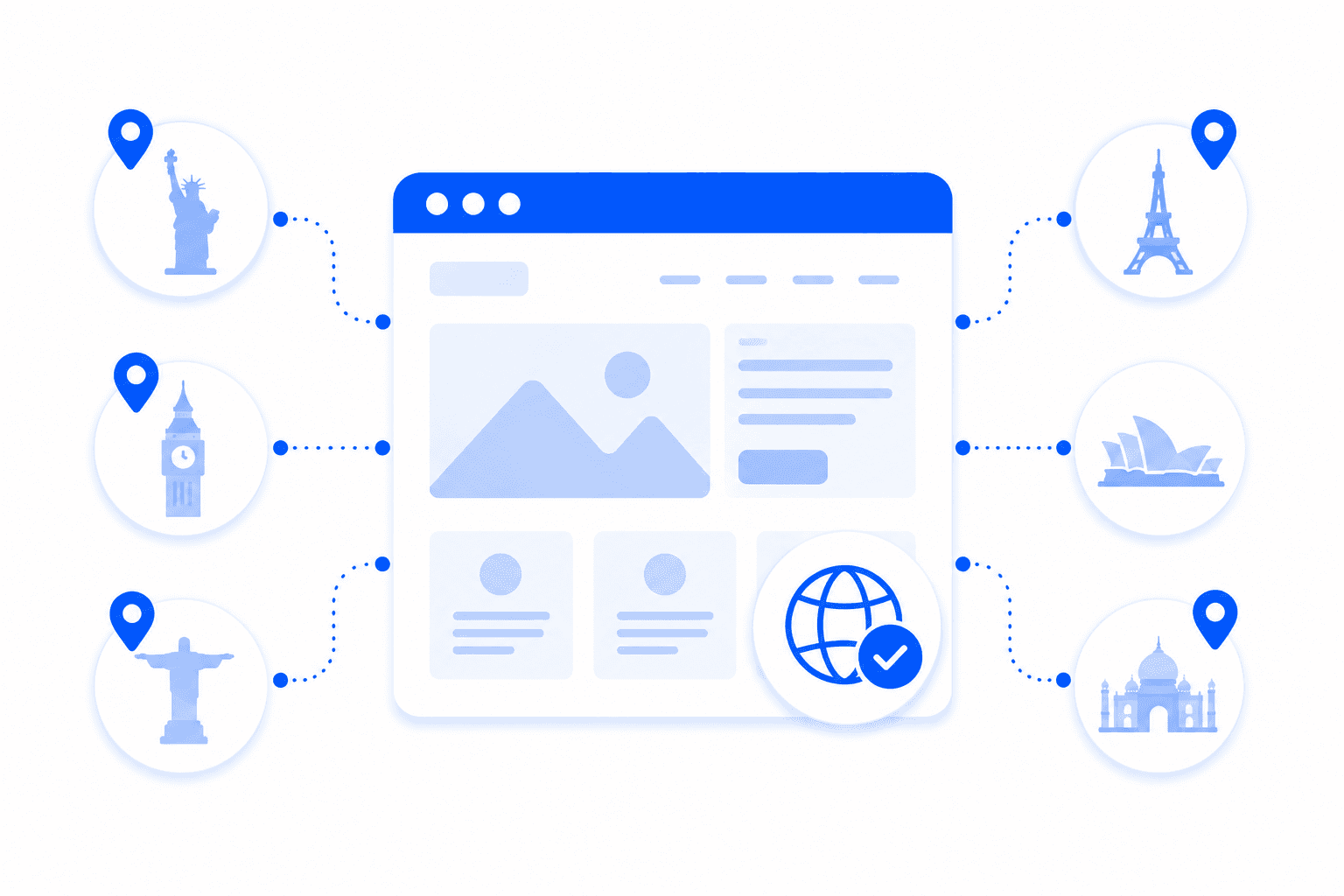
Website testing from different locations means checking the same website as users in different countries or cities would experience it. This is useful because websites often change redirects, language, currency, product visibility, ads, cookie banners, compliance notices, and delivery options by IP location. Proxies let teams run those checks manually or automatically without needing physical devices in every market.
A complete multi-location test covers routing, content, commerce, and compliance behavior.
Verify country redirects, language paths, local domains, subdomains, and fallback behavior.
Check page copy, modules, banners, navigation, media, and market-specific content blocks.
Compare prices, currencies, inventory, shipping, payment options, offers, and checkout rules.
Validate cookie banners, privacy notices, restricted access, disclaimers, and country rules.
Proxies give QA, marketing, SEO, and product teams a repeatable way to test websites from many locations. Teams can open pages manually through proxy-enabled browsers, run automated Playwright or Puppeteer checks, capture screenshots, and compare results by market.
Route checks through different countries or cities without changing the testing setup.
See public pages through local IPs rather than relying only on VPNs or browser locale settings.
Run scheduled tests for redirects, content, pricing, ads, and compliance across markets.
Capture screenshots, status codes, final URLs, and differences for each location.
Define URLs, locations, and expected outcomes.
Route browser or automation traffic through selected proxies.
Collect screenshots, redirects, page data, and response details.
Compare results and send issues to product, marketing, or QA teams.
Multi-location website testing needs realistic location access and session stability.
Residential proxies are the best default because they provide realistic local access for checking how public websites behave across countries, regions, and cities.
Useful for fast uptime, redirect, and content checks where datacenter routes are accepted.
Best forBest for mobile website testing, app landing pages, and experiences that differ on cellular networks.
Best forGood for repeatable tests, allowlisted staging pages, and persistent browser sessions.
Best forGeo-targeted proxies are proxies that let you route traffic through IP addresses from specific countries, regions, cities, ISPs, or networks. They are used to test localized content, collect regional data, check pricing, verify ads, and compare website behavior across markets. Geo proxies are important when websites change content based on user location.
Businesses use proxies for localization testing to see how websites, apps, ads, pricing, currencies, language, and redirects appear in different regions. Testing from only one office IP can miss local bugs or incorrect regional content. Geo-targeted proxies help QA and marketing teams verify the real user experience in target markets.
Yes. Proxies can help access regional website versions by making the request appear from a specific country or city. This is useful for checking local landing pages, regional catalogs, content availability, search results, and market-specific offers. Access still depends on the website's own rules and detection systems.
The best proxies for geo testing are usually residential proxies with strong country, region, and city targeting. Residential IPs often provide a more realistic local user signal than datacenter IPs. For basic checks, datacenter proxies can work, but residential proxies are usually better for sensitive localization tests.
Yes. Geo-targeted proxies can help check prices in different countries, currencies, delivery regions, and local markets. Many websites adjust prices based on user location, taxes, shipping availability, or regional promotions. Proxies help teams compare pricing data more accurately across locations.
Yes. Geo proxies can be used to test local search results, map packs, localized SERPs, regional ads, and market-specific snippets. Search engines often change results based on location and language, so geo-targeted proxies help measure local visibility. This is useful for SEO agencies, local businesses, and market research teams.
Proxies help app localization QA by letting testers check regional content, API responses, redirects, pricing, language, and access behavior from different markets. They can be combined with device emulators, real devices, or browser testing tools. This helps catch bugs that only appear in certain countries or regions.
Country targeting routes traffic through an IP address in a selected country, while city targeting narrows the proxy location to a specific city or metro area when available. City targeting is useful for local SEO, regional ads, delivery checks, and hyperlocal content testing. Country targeting is enough for broader market checks.
No. Geo-targeted proxies do not guarantee that every website will detect the IP location exactly the same way. Different GeoIP databases update at different times and may classify the same IP differently. For serious geo testing, results should be checked against the target platform, not only generic IP lookup tools.
For localization projects, residential proxies are usually the best choice because they provide realistic local IP addresses and flexible geo-targeting. Datacenter proxies may be enough for basic page checks, but they can be less reliable on protected websites. The best setup depends on the target market, website sensitivity, and required location precision.
Use Proxxxymiron proxies to test redirects, content, pricing, ads, compliance, and localized website behavior from real markets.