
 Sign up
Ci
Automated regression testing
Run scheduled browser tests through stable routes in CI pipelines and deployment checks.
Run headless browser tests through controlled proxy routes for faster, repeatable automation.
Headless browsers make it possible to test, render, capture, and monitor web pages without opening a visible browser window. Proxies add location control, session separation, and IP rotation for headless Chrome, Playwright, Puppeteer, Selenium, and CI-based automation pipelines.
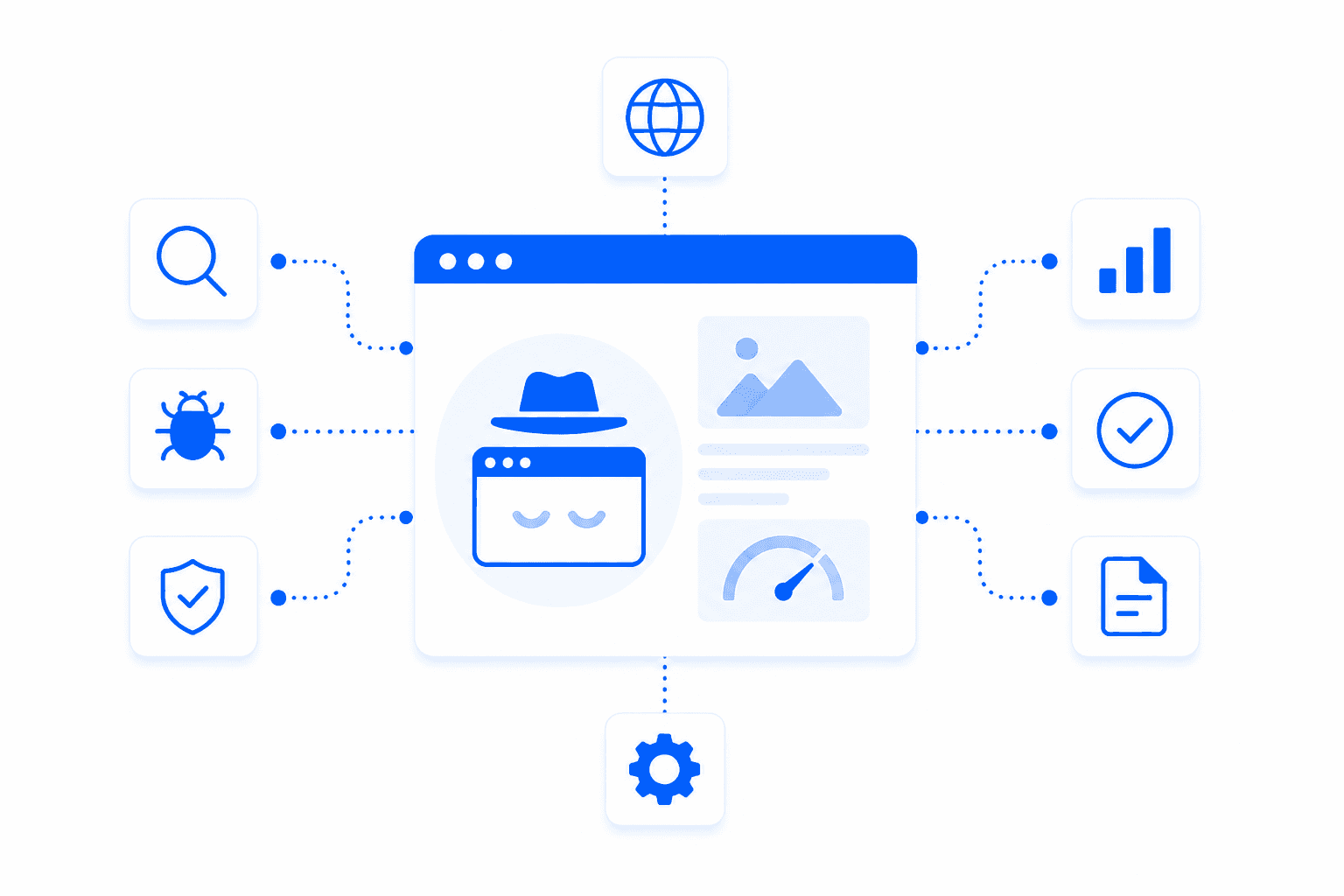
Headless browser testing runs browser automation without a visible user interface. It is used for regression tests, screenshots, visual monitoring, page rendering, public data collection, SEO checks, and performance validation. Because headless tests often run in CI systems or cloud servers, proxies help control the visible IP location and make tests more representative of real users.
Headless browser workflows use proxies when they need scale, region control, or separated sessions.
Run scheduled browser tests through stable routes in CI pipelines and deployment checks.
Render dynamic pages and collect public DOM data or screenshots after scripts load.
Capture localized screenshots, landing pages, SERPs, ads, and UI states through target proxy locations.
Track changes in content, availability, layout, redirects, and status codes over time.
Proxies make headless browser tests more flexible by controlling location, session duration, rotation, and visible IP. This matters for regional QA, public monitoring, JavaScript-rendered pages, and automation jobs that need to run reliably from more than one server IP.
Test pages as users in selected countries or cities would see them.
Keep state for multi-step tests, authenticated flows, carts, forms, and cookies.
Distribute many headless jobs across proxy sessions for monitoring and public data collection.
Use proxy credentials in automated pipelines, containers, browser workers, and test runners.
Select the headless framework and proxy type.
Configure proxy settings for the browser launch or context.
Run tests, rendering jobs, screenshots, or monitors.
Store results with location, session, and proxy metadata.
Headless testing often needs either fast volume or realistic public website access.
Residential proxies are the best default for public headless browser testing because they provide realistic IPs, geo targeting, and compatibility with JavaScript-heavy websites.
Useful for fast CI tests, internal QA, screenshot workers, and cost-sensitive monitoring.
Best forGood for allowlisted staging environments and long-running headless jobs that need one stable IP.
Best forBest for mobile-first pages, app landing flows, and tests that require cellular-like routing.
Best forBrowser automation proxies are proxies used with automated browsers, headless browsers, QA tools, and testing frameworks such as Puppeteer, Playwright, Selenium, and anti-detect browser environments. They route browser traffic through different IP addresses and locations. This helps test websites, workflows, and localized user experiences more realistically.
Automated browsers need proxies when they must test from different locations, avoid relying on one IP address, or run parallel sessions with separate network identities. Without proxies, many browser automation tasks come from the same source IP, which can cause rate limits or inaccurate regional results. Proxies are especially useful for QA testing, web scraping, and localization checks.
The best proxies for Puppeteer and Playwright depend on the target website and test type. Residential proxies are usually better for protected websites and location-sensitive tests, while datacenter proxies can work for simple QA or high-speed internal checks. Sticky sessions are useful when a browser flow needs cookies, login state, or multi-step navigation.
Yes. Proxies can be used with Selenium to test websites from different IP addresses, countries, cities, or network types. This is useful for localization testing, form testing, pricing checks, search result validation, and regional QA. The proxy setup should match the browser profile, session length, and test scenario.
Rotating proxies are good for browser automation when each test or browsing session can use a separate IP address. However, very fast rotation can break flows that rely on cookies, authentication, carts, or multi-step navigation. For browser automation with session logic, sticky residential proxies are often more stable than per-request rotation.
For headless browsers, the best proxy settings depend on whether the task is crawling, testing, or account-based navigation. Large crawling jobs often use rotating proxies, while login flows and checkout tests usually need sticky sessions. Browser fingerprint, headers, cookies, viewport, and JavaScript behavior should also match the test goal.
Yes. Proxies help QA teams test websites from different regions, verify localized content, check redirects, compare prices, test forms, and validate user flows. They also help find bugs that only appear in specific countries or network conditions. This makes proxies useful for web QA, localization QA, and browser automation testing.
Yes. Proxies are useful for parallel browser sessions because each session can run through a separate IP address or location. This helps isolate tests, reduce cross-session interference, and simulate users from different markets. For stable results, each session should use consistent proxy, cookie, and browser profile settings.
No. Proxies do not make browser automation undetectable. Websites can also evaluate browser fingerprint, automation signals, JavaScript behavior, timing, cookies, headers, and user interaction patterns. Proxies help with the network layer, but reliable automation also requires clean browser configuration and realistic behavior.
Choose residential proxies for protected websites, location-sensitive workflows, and realistic regional testing. Choose datacenter proxies for simple, high-speed QA on less protected websites. Use sticky sessions for logins and multi-step flows, and rotating proxies for large-scale crawling or independent browser sessions.
Use Proxxxymiron proxies for headless testing, page rendering, screenshots, monitoring, and automated browser pipelines.