
 Sign up
Screenshots
Regional screenshot capture
Capture pages, ads, SERPs, and localized content from selected proxy locations.
Connect Puppeteer browser sessions to reliable proxy routes for automation and testing.
Puppeteer is widely used for controlling Chrome and Chromium in automation workflows. Proxies help Puppeteer scripts run from selected locations, separate sessions, capture regional screenshots, test web pages, and collect public data from JavaScript-heavy sites.
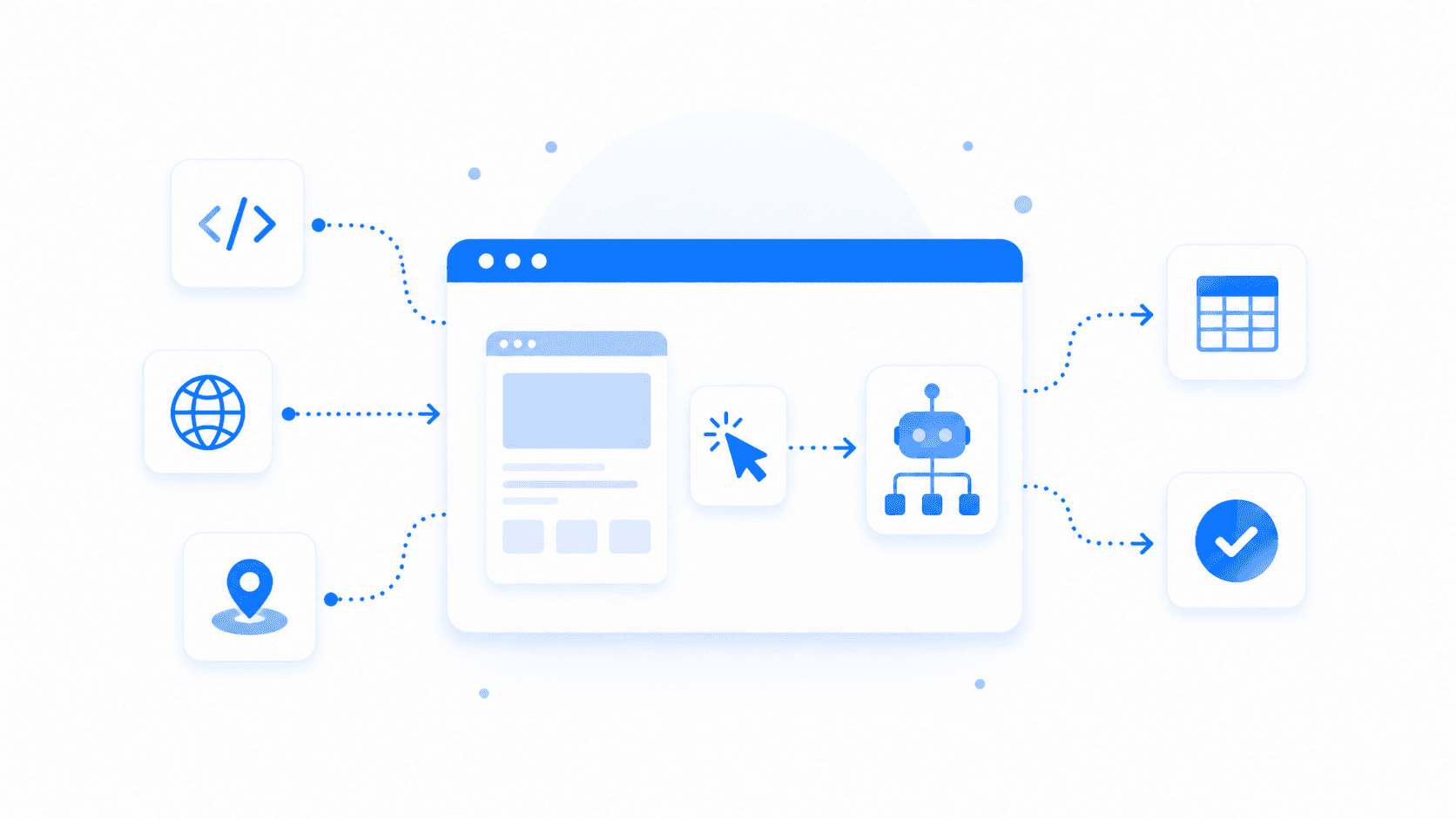
Puppeteer automation with proxies means launching Chrome or Chromium sessions through configured proxy servers. Developers use this setup for browser testing, screenshot generation, public web data collection, SEO checks, form testing, page rendering, and monitoring dynamic websites. The proxy decides the visible IP and location for each browser session, while Puppeteer controls the page interactions.
Puppeteer proxy workflows usually involve Chrome automation, page rendering, and repeatable browser contexts.
Capture pages, ads, SERPs, and localized content from selected proxy locations.
Run Puppeteer tests for forms, buttons, redirects, page state, and frontend behavior.
Collect public page data from sites that require client-side rendering before content appears.
Track layout, content, availability, and status changes with scheduled Puppeteer runs.
A proxy can be passed to Puppeteer as a launch argument or configured per browser context depending on the implementation. This lets developers route browser sessions through different IPs, maintain sticky sessions for multi-step flows, and rotate routes for larger monitoring or data collection jobs.
Launch Puppeteer sessions through proxy endpoints that match the target location or network type.
Keep the same IP for login, checkout, or multi-step browser flows that depend on session state.
Rotate proxies across many URLs, screenshots, or monitoring tasks to spread request load.
Use proxy credentials in Puppeteer scripts, CI jobs, screenshot workers, or scraping pipelines.
Choose a proxy type for the Puppeteer task.
Pass the proxy server to Chromium when launching Puppeteer.
Handle authentication, sessions, timeouts, and retries in code.
Collect screenshots, DOM data, test results, or monitoring output.
Puppeteer workflows vary from fast internal testing to public data collection across geo locations.
Residential proxies are a strong default for Puppeteer automation on public websites because they combine realistic IPs, geo targeting, and support for sticky or rotating sessions.
Good for fast screenshot jobs, internal QA, monitoring, and lower-cost automation where trust requirements are lighter.
Best forUseful for mobile web pages, app install flows, and platforms that treat cellular traffic differently.
Best forBest for allowlisted QA environments and persistent Puppeteer sessions that need a stable IP.
Best for浏览器自动化代理用于自动化浏览器、headless 浏览器、QA 工具,以及 Puppeteer、Playwright、Selenium 和反检测浏览器等框架。它们会把浏览器流量通过不同 IP 和位置发送出去。这有助于更真实地测试网站、用户场景和本地化体验。
当需要从不同位置测试、不依赖单一 IP,或使用独立网络路径运行并行会话时,自动化浏览器需要代理。没有代理时,许多浏览器自动化任务都会从同一个 IP 发出,可能导致限制或不准确的区域结果。代理尤其适合 QA、网页抓取和本地化测试。
Puppeteer 和 Playwright 适合哪种代理,取决于目标网站和测试类型。住宅代理通常更适合受保护的网站和对位置敏感的测试,而数据中心代理适合简单 QA 或快速内部检查。当浏览器流程需要 cookies、登录状态或多步骤导航时,sticky 会话很有用。
可以。代理可以和 Selenium 一起使用,从不同 IP、国家、城市或网络类型测试网站。这适用于本地化测试、表单测试、价格检查、搜索结果验证和区域 QA。代理配置应匹配浏览器配置、会话时长和测试场景。
当每次测试或每个浏览器会话都可以使用单独 IP 时,轮换代理适合浏览器自动化。但过快轮换可能会破坏依赖 cookies、登录状态、购物车或多步骤导航的流程。对于带会话逻辑的浏览器自动化,sticky 住宅代理通常比按请求轮换更稳定。
对于 headless 浏览器,最佳配置取决于任务类型:爬取、测试,还是账号场景。大型爬取任务通常使用轮换代理,而登录场景和支付测试通常需要 sticky 会话。浏览器指纹、请求头、cookies、窗口尺寸和 JavaScript 行为也应匹配测试目标。
可以。代理可以帮助 QA 团队从不同地区测试网站、检查本地化内容、重定向、比较价格、测试表单并验证用户场景。它们也能帮助发现只在特定国家或网络条件下出现的 bug。因此,代理适用于网页 QA、本地化 QA 和浏览器自动化。
可以。代理适合并行浏览器会话,因为每个会话都可以通过不同 IP 或位置运行。这有助于隔离测试、减少会话之间的干扰,并模拟来自不同市场的用户。为了获得稳定结果,每个会话都应使用一致的代理、cookies 和浏览器配置。
不会。代理不会让浏览器自动化变得无法检测。网站还可能评估浏览器指纹、自动化信号、JavaScript 行为、响应时间、cookies、请求头和交互模式。代理可以帮助网络层,但可靠的自动化还需要干净的浏览器配置和更真实的行为。
对于受保护的网站、与位置相关的场景和真实区域测试,选择住宅代理。对于防护较低网站上的简单高速 QA,数据中心代理可以使用。登录和多步骤流程使用 sticky 会话,大规模爬取或独立浏览器会话使用轮换代理。
Use Proxxxymiron proxies to power Puppeteer scripts for browser testing, screenshots, monitoring, and public data collection.