
 Sign up
Ci
Automated regression testing
Run scheduled browser tests through stable routes in CI pipelines and deployment checks.
Run headless browser tests through controlled proxy routes for faster, repeatable automation.
Headless browsers make it possible to test, render, capture, and monitor web pages without opening a visible browser window. Proxies add location control, session separation, and IP rotation for headless Chrome, Playwright, Puppeteer, Selenium, and CI-based automation pipelines.
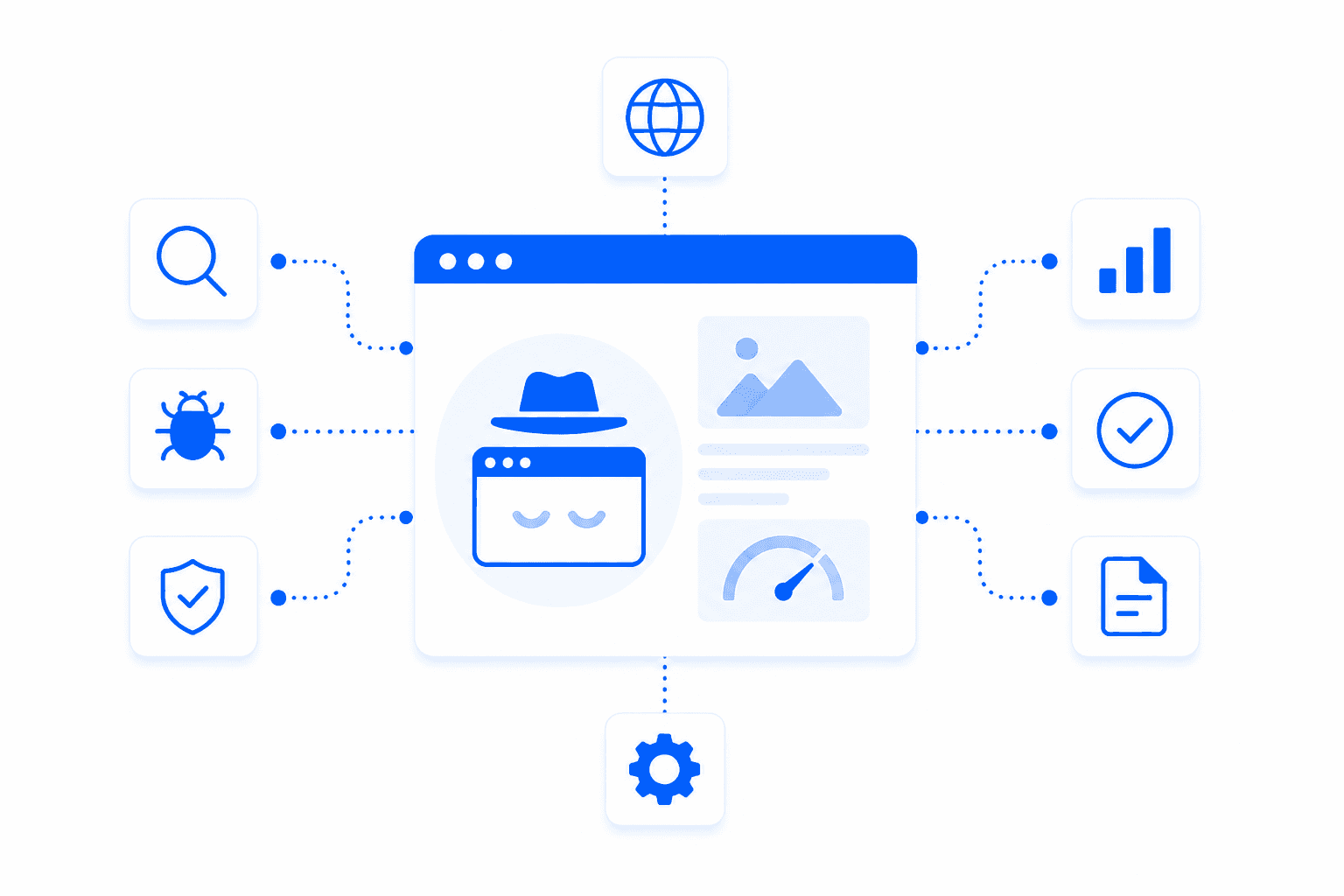
Headless browser testing runs browser automation without a visible user interface. It is used for regression tests, screenshots, visual monitoring, page rendering, public data collection, SEO checks, and performance validation. Because headless tests often run in CI systems or cloud servers, proxies help control the visible IP location and make tests more representative of real users.
Headless browser workflows use proxies when they need scale, region control, or separated sessions.
Run scheduled browser tests through stable routes in CI pipelines and deployment checks.
Render dynamic pages and collect public DOM data or screenshots after scripts load.
Capture localized screenshots, landing pages, SERPs, ads, and UI states through target proxy locations.
Track changes in content, availability, layout, redirects, and status codes over time.
Proxies make headless browser tests more flexible by controlling location, session duration, rotation, and visible IP. This matters for regional QA, public monitoring, JavaScript-rendered pages, and automation jobs that need to run reliably from more than one server IP.
Test pages as users in selected countries or cities would see them.
Keep state for multi-step tests, authenticated flows, carts, forms, and cookies.
Distribute many headless jobs across proxy sessions for monitoring and public data collection.
Use proxy credentials in automated pipelines, containers, browser workers, and test runners.
Select the headless framework and proxy type.
Configure proxy settings for the browser launch or context.
Run tests, rendering jobs, screenshots, or monitors.
Store results with location, session, and proxy metadata.
Headless testing often needs either fast volume or realistic public website access.
Residential proxies are the best default for public headless browser testing because they provide realistic IPs, geo targeting, and compatibility with JavaScript-heavy websites.
Useful for fast CI tests, internal QA, screenshot workers, and cost-sensitive monitoring.
Best forGood for allowlisted staging environments and long-running headless jobs that need one stable IP.
Best forBest for mobile-first pages, app landing flows, and tests that require cellular-like routing.
Best for浏览器自动化代理用于自动化浏览器、headless 浏览器、QA 工具,以及 Puppeteer、Playwright、Selenium 和反检测浏览器等框架。它们会把浏览器流量通过不同 IP 和位置发送出去。这有助于更真实地测试网站、用户场景和本地化体验。
当需要从不同位置测试、不依赖单一 IP,或使用独立网络路径运行并行会话时,自动化浏览器需要代理。没有代理时,许多浏览器自动化任务都会从同一个 IP 发出,可能导致限制或不准确的区域结果。代理尤其适合 QA、网页抓取和本地化测试。
Puppeteer 和 Playwright 适合哪种代理,取决于目标网站和测试类型。住宅代理通常更适合受保护的网站和对位置敏感的测试,而数据中心代理适合简单 QA 或快速内部检查。当浏览器流程需要 cookies、登录状态或多步骤导航时,sticky 会话很有用。
可以。代理可以和 Selenium 一起使用,从不同 IP、国家、城市或网络类型测试网站。这适用于本地化测试、表单测试、价格检查、搜索结果验证和区域 QA。代理配置应匹配浏览器配置、会话时长和测试场景。
当每次测试或每个浏览器会话都可以使用单独 IP 时,轮换代理适合浏览器自动化。但过快轮换可能会破坏依赖 cookies、登录状态、购物车或多步骤导航的流程。对于带会话逻辑的浏览器自动化,sticky 住宅代理通常比按请求轮换更稳定。
对于 headless 浏览器,最佳配置取决于任务类型:爬取、测试,还是账号场景。大型爬取任务通常使用轮换代理,而登录场景和支付测试通常需要 sticky 会话。浏览器指纹、请求头、cookies、窗口尺寸和 JavaScript 行为也应匹配测试目标。
可以。代理可以帮助 QA 团队从不同地区测试网站、检查本地化内容、重定向、比较价格、测试表单并验证用户场景。它们也能帮助发现只在特定国家或网络条件下出现的 bug。因此,代理适用于网页 QA、本地化 QA 和浏览器自动化。
可以。代理适合并行浏览器会话,因为每个会话都可以通过不同 IP 或位置运行。这有助于隔离测试、减少会话之间的干扰,并模拟来自不同市场的用户。为了获得稳定结果,每个会话都应使用一致的代理、cookies 和浏览器配置。
不会。代理不会让浏览器自动化变得无法检测。网站还可能评估浏览器指纹、自动化信号、JavaScript 行为、响应时间、cookies、请求头和交互模式。代理可以帮助网络层,但可靠的自动化还需要干净的浏览器配置和更真实的行为。
对于受保护的网站、与位置相关的场景和真实区域测试,选择住宅代理。对于防护较低网站上的简单高速 QA,数据中心代理可以使用。登录和多步骤流程使用 sticky 会话,大规模爬取或独立浏览器会话使用轮换代理。
Use Proxxxymiron proxies for headless testing, page rendering, screenshots, monitoring, and automated browser pipelines.