
 Sign up
Auth
Credentials and protocol support
Verify username, password, endpoint, port, HTTP, SOCKS, and client configuration.
Validate proxy routing, authentication, sessions, and failover before production rollout.
Proxy integration testing checks whether your application, browser automation, scraper, QA runner, or API client can use proxies correctly. It helps teams confirm credentials, protocol support, geo targeting, sticky sessions, rotation logic, retries, logging, and fallback behavior before scaling workflows.
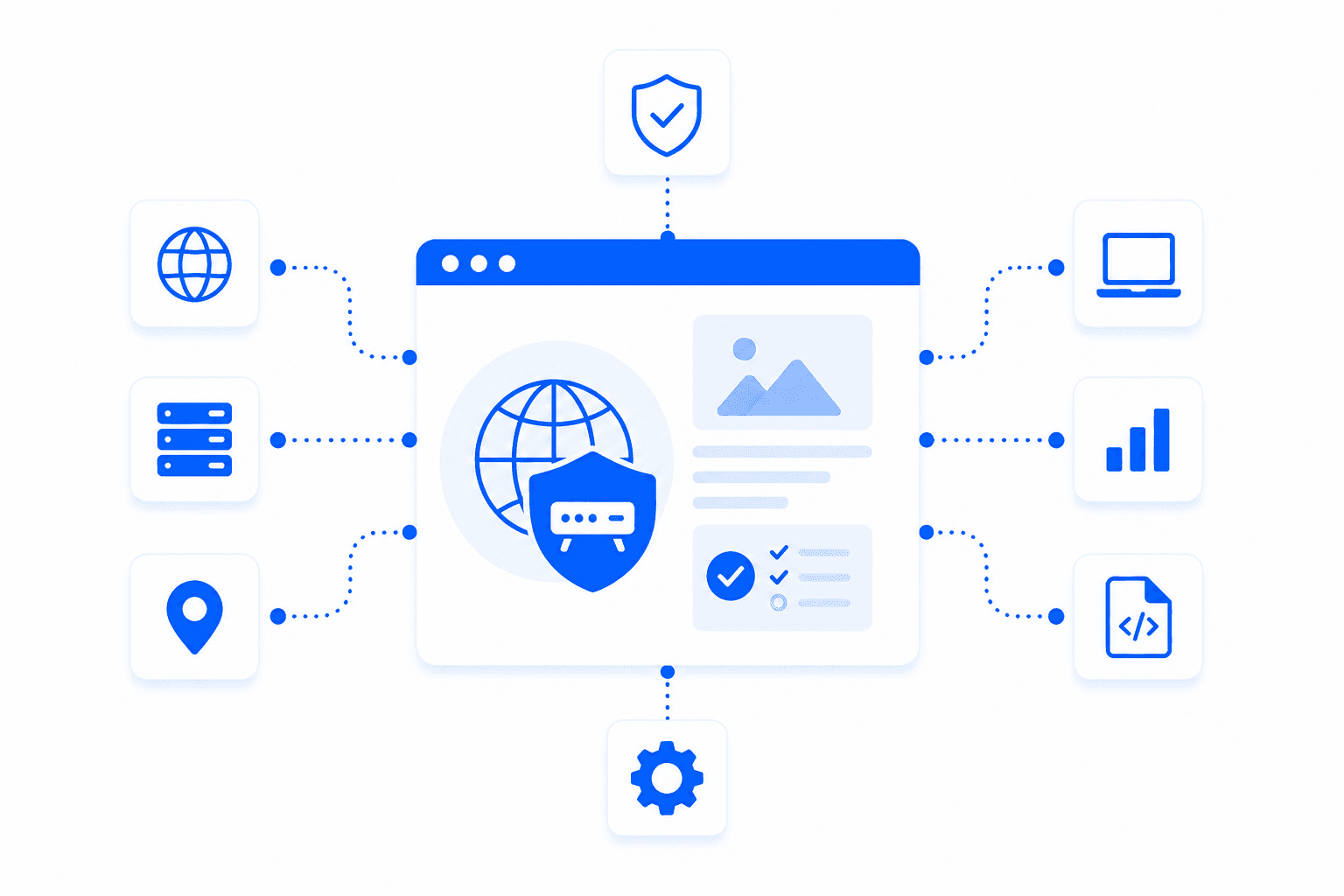
Proxy integration testing is the process of validating that software can connect to proxy endpoints and handle real network behavior correctly. It covers authentication, HTTP and SOCKS support, sticky sessions, rotation, geo targeting, timeouts, retries, connection errors, response validation, and logging. This testing is important before adding proxies to browser automation, public data collection, QA pipelines, API clients, or production services.
A good proxy integration test covers connection setup, behavior under load, and failure handling.
Verify username, password, endpoint, port, HTTP, SOCKS, and client configuration.
Check whether IPs persist or rotate according to the workflow requirements.
Confirm that selected countries, regions, or cities match expected exit IP behavior.
Validate how the application handles connection errors, slow responses, retries, and route changes.
A proxy is only useful if the application handles it correctly. Integration testing confirms that the code can authenticate, route traffic, maintain sessions, rotate IPs, log failures, and recover from network issues. This reduces surprises when the workflow moves from a local test to CI, staging, or production scale.
Catch configuration, authentication, and timeout issues before workflows scale.
Confirm whether sticky sessions, rotation windows, and identity separation work as intended.
Log proxy endpoint, location, status codes, latency, retries, and error reasons for debugging.
Test proxy setup across browsers, API clients, scraping libraries, workers, and CI environments.
Create a small proxy test matrix.
Verify authentication, protocol, location, and session behavior.
Run timeout, retry, rotation, and failover scenarios.
Document working settings for production developers.
Integration testing should cover the same proxy types the production workflow will use.
Datacenter proxies are often best for initial integration testing because they are fast, predictable, and easy to use for validating code paths, authentication, and request handling.
Needed when the final workflow depends on residential IPs, geo targeting, rotation, or public website compatibility.
Best forUseful when testing mobile app workflows, mobile web behavior, or carrier-like proxy routes.
Best forBest for allowlisted systems, persistent integrations, and long-lived service connections.
Best forبروكسيات أتمتة المتصفح تُستخدم مع المتصفحات المؤتمتة، ومتصفحات headless، وأدوات QA، وأطر الاختبار مثل Puppeteer وPlaywright وSelenium ومتصفحات مضادة للكشف. توجه هذه البروكسيات حركة مرور المتصفح عبر عناوين IP ومواقع مختلفة. وهذا يساعد على اختبار المواقع، وسيناريوهات المستخدم، والتجارب المحلية بشكل أكثر واقعية.
تحتاج المتصفحات المؤتمتة إلى بروكسيات عندما يجب الاختبار من مواقع مختلفة، أو تجنب الاعتماد على IP واحد، أو تشغيل جلسات متوازية بهويات شبكة منفصلة. من دون بروكسيات، تأتي كثير من مهام أتمتة المتصفح من نفس IP، مما قد يسبب حدوداً أو نتائج إقليمية غير دقيقة. البروكسيات مفيدة خصوصاً في QA، واستخراج بيانات الويب، وفحوصات التوطين.
يعتمد أفضل نوع بروكسي لـ Puppeteer وPlaywright على الموقع الهدف ونوع الاختبار. البروكسيات السكنية عادةً أفضل للمواقع المحمية والاختبارات الحساسة للموقع، بينما تصلح بروكسيات مراكز البيانات لـ QA البسيط أو الفحوصات الداخلية السريعة. الجلسات الثابتة مفيدة عندما يحتاج تدفق المتصفح إلى cookies أو حالة تسجيل دخول أو تنقل متعدد الخطوات.
نعم. يمكن استخدام البروكسيات مع Selenium لاختبار المواقع من عناوين IP أو دول أو مدن أو أنواع شبكات مختلفة. هذا مفيد لاختبار التوطين، والنماذج، والأسعار، والتحقق من نتائج البحث، وQA الإقليمي. يجب أن يطابق إعداد البروكسي ملف المتصفح، وطول الجلسة، وسيناريو الاختبار.
البروكسيات الدوّارة مناسبة لأتمتة المتصفح عندما يمكن لكل اختبار أو جلسة تصفح استخدام IP منفصل. لكن التدوير السريع جداً قد يكسر التدفقات التي تعتمد على cookies، أو حالة تسجيل الدخول، أو السلة، أو التنقل متعدد الخطوات. في أتمتة المتصفح ذات منطق الجلسة، تكون البروكسيات السكنية ذات الجلسات الثابتة غالباً أكثر استقراراً من التدوير لكل طلب.
بالنسبة لمتصفحات headless، يعتمد أفضل إعداد على نوع المهمة: الزحف، أو الاختبار، أو سيناريوهات مرتبطة بالحسابات. مهام الزحف الكبيرة غالباً تستخدم بروكسيات دوّارة، بينما تحتاج سيناريوهات تسجيل الدخول واختبارات الدفع عادةً إلى جلسات ثابتة. يجب أيضاً أن تطابق بصمة المتصفح، والـ headers، والـ cookies، وحجم النافذة، وسلوك JavaScript هدف الاختبار.
نعم. تساعد البروكسيات فرق QA على اختبار المواقع من مناطق مختلفة، وفحص المحتوى المحلي، وإعادة التوجيه، ومقارنة الأسعار، واختبار النماذج، والتحقق من سيناريوهات المستخدم. كما تساعد على العثور على bugs تظهر فقط في دول أو ظروف شبكة معينة. لذلك تكون البروكسيات مفيدة في QA الويب، وQA التوطين، وأتمتة المتصفح.
نعم. البروكسيات مفيدة لجلسات المتصفح المتوازية لأن كل جلسة يمكن أن تعمل عبر IP أو موقع مختلف. هذا يساعد على عزل الاختبارات، وتقليل التداخل بين الجلسات، ومحاكاة مستخدمين من أسواق مختلفة. للحصول على نتائج مستقرة، يجب أن تستخدم كل جلسة إعدادات متسقة للبروكسي والـ cookies وملف المتصفح.
لا. البروكسيات لا تجعل أتمتة المتصفح غير قابلة للاكتشاف. يمكن للمواقع أيضاً تقييم بصمة المتصفح، وإشارات الأتمتة، وسلوك JavaScript، وأزمنة الاستجابة، والـ cookies، والـ headers، وأنماط التفاعل. تساعد البروكسيات في طبقة الشبكة، لكن الأتمتة الموثوقة تحتاج أيضاً إلى إعداد متصفح نظيف وسلوك واقعي.
اختر البروكسيات السكنية للمواقع المحمية، والسيناريوهات الحساسة للموقع، والاختبارات الإقليمية الواقعية. واختر بروكسيات مراكز البيانات لـ QA البسيط والسريع على المواقع الأقل حماية. استخدم الجلسات الثابتة لتسجيل الدخول والتدفقات متعددة الخطوات، والبروكسيات الدوّارة للزحف واسع النطاق أو جلسات المتصفح المستقلة.
Use Proxxxymiron proxies to validate routing, authentication, rotation, sticky sessions, and production-ready proxy behavior.